CheqOne updates
Cheque Printing Software for Controlled Payments
Choose cheque printing software that aligns every field, handles Arabic amounts, and keeps issued, post-dated, and canceled payments traceable each day.
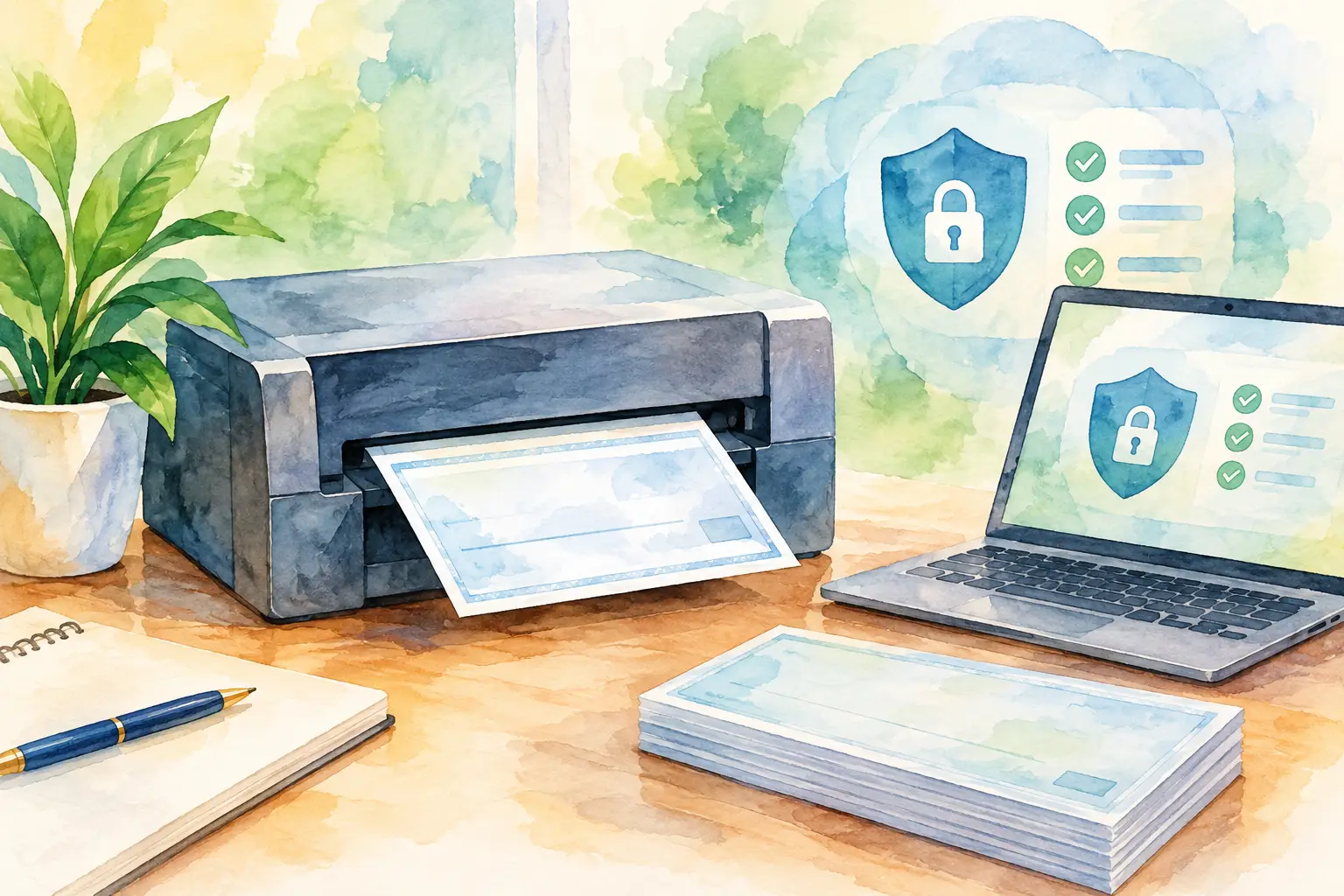
A cheque can be legally valid yet operationally dangerous. One leaf may be printed against the wrong bank account, handed over without a record, or left outside the post-dated payment schedule. Cheque printing software should solve more than handwriting. It should give finance teams a controlled way to create, print, track, and reconcile every physical payment instrument.
For businesses that issue rent, supplier, installment, trade, or operating cheques, the question is not whether a printer can place text on paper. The question is whether the full cheque lifecycle remains accurate after the paper leaves the printer.
What cheque printing software should control
Basic desktop tools often focus on the printed cheque alone. A user enters a payee, amount, and date, then hopes the printer lines everything up. That may be enough for a very small volume of simple payments. It becomes unreliable when several people, companies, bank accounts, or cheque books are involved.
A capable system begins with the details that make each cheque unique: the company, bank account, cheque book, leaf number, payee, amount, date, and payment purpose. It should prevent duplicate cheque numbers and retain the transaction record after printing. If a cheque is voided, dishonored, delivered, or honored, that status should be updated rather than buried in a spreadsheet note.
This matters most with post-dated cheques. A PDC is not simply a future payment. It is a commitment that affects cash planning, supplier relationships, and the availability of unused cheque leaves. Finance teams need to see upcoming dates and outstanding exposure without manually combining registers from different files.
The useful standard is straightforward: a user should be able to answer who created a cheque, which leaf was used, when it was printed, and where it stands now. If those answers require searching email, paper files, and multiple worksheets, the process is not under control.
Printing accurately on real bank cheques
Cheque forms are less forgiving than ordinary documents. A slightly misplaced amount, date, or payee can create a rejected payment, force a reissue, and leave an unexplained gap in the cheque book. Alignment therefore deserves more attention than it usually receives during software selection.
The practical challenge is that bank formats vary. Even where two forms look similar, field positions, Arabic labels, margins, and pre-printed areas can differ. Printer behavior also varies between laser, inkjet, dot-matrix, and dedicated cheque printers. A system that only offers one fixed template can create more work when a business operates multiple bank accounts.
Look for ready-made layouts for the banks your business uses, plus a layout designer for additional formats. The adjustment method matters too. Fine positioning controls allow the operator to correct a field without redesigning the entire form. CheqOne, for example, supports precise field alignment through a Windows Print Helper, so the browser-based workspace can work with an approved local printer PC.
A sensible rollout includes test printing on plain paper first. Place the test sheet behind an original cheque form and hold both to the light. Check the date, payee line, numeric amount, amount in words, and signature area clearance. Once a layout is approved, restrict who can change it. Printing accuracy is a financial control, not a preference setting.
Bilingual amounts require more than translation
In UAE and GCC cheque operations, the amount in words may need to appear in both English and Arabic. This is a rule-based financial expression, not a phrase that should be typed manually under time pressure.
The software should generate words from the numeric amount consistently, including decimal units where required by the bank format. It should also preserve the intended Arabic wording and layout direction. Manual bilingual entry creates two opportunities for a mismatch: the words can be incorrect, or they can represent a different value from the digits.
A finance team should still review the output during setup and for unusual values. Automation reduces routine risk, but approval remains appropriate for high-value payments or new bank layouts.
Build the workflow before printing the first cheque
The best implementation starts with the existing cheque book, not the software screen. Count active leaves, identify the next usable number, record canceled or spoiled leaves, and separate completed books from current stock. This creates a clean opening position and avoids introducing a new number conflict during migration.
Then configure each legal entity and its bank accounts. For a group structure, keep companies distinct while allowing authorized central users to work from one calm place for every company. The objective is visibility without blurring ownership, bank authority, or payment records.
Next, define user roles. An accounts payable user may prepare cheques, while a finance manager reviews them and a designated operator prints them. The right model depends on the organization. A small owner-managed company may need only limited access and a clear audit trail. A larger group may require separation between preparation, approval, printing, and status updates.
Finally, agree on status definitions before users begin. “Issued” should not mean the same thing as “delivered,” and “honored” should not be confused with “deposited.” A consistent register may include issued, delivered, honored, dishonored, canceled, and post-dated statuses. Clear definitions make reports useful and prevent a payment from being treated as complete too early.
Why a cheque register is the operational center
Printing is a moment. The register is the record that remains.
A complete cheque register lets finance staff filter by company, bank account, payee, date range, number, and status. It can show which cheques are awaiting delivery, which PDCs fall due soon, and which numbers were canceled or spoiled. This is where physical cheque handling becomes manageable across several users and locations.
The register also supports month-end work. Instead of reconstructing issued payments from a stack of counterfoils, the team can compare cleared bank activity with the recorded cheque status. A dishonored cheque can be identified and followed up without removing its original history. A canceled cheque remains visible as a canceled leaf, preserving the sequence and reducing audit questions later.
Reporting should serve decisions, not just archives. An upcoming PDC report helps treasury plan cash. A cheque-book report highlights low stock or unusual gaps in leaf numbers. A payee report can reveal repeated commitments. Exporting data is useful when management needs a broader payment view, but the source record should remain governed inside the system.
Choosing software without buying more than you need
There is no single correct level of control for every business. A company issuing a handful of cheques monthly may value quick setup and dependable bank layouts above complex approval routes. A multi-entity group with frequent PDCs may need role-based permissions, detailed audit history, batch creation, and centralized reporting from day one.
When evaluating cheque printing software, test the real workflow rather than a generic demonstration. Use one of your bank formats, one of your printers, a bilingual amount, and a post-dated payment. Ask whether historical registers can be imported, whether cheque leaves can be tracked individually, and whether a user can alter a printed transaction without a trace.
Also consider where the records live. Legacy desktop software can tie cheque history to one computer, one user profile, or an outdated operating system. Cloud-based access can improve continuity and multi-company visibility, provided the platform applies sensible permissions, audit trails, and controlled printer access. The trade-off is that teams must configure responsibilities carefully instead of treating shared access as a shortcut.
A calmer daily control routine
A dependable routine does not need to be heavy. Prepare payment details from approved source documents, review the payee, amount, date, and bank account, then print only from the assigned cheque book. Update delivery status when the cheque leaves custody. Review post-dated commitments regularly and reconcile honored or dishonored items against bank activity.
For batch PDCs, create the schedule from a validated source, then review the sequence before printing. Batch creation saves time, but it also magnifies a setup error. A short review of dates, payees, amounts, and leaf allocation is usually faster than canceling and reissuing a full batch.
The goal is not to make cheque work feel complicated. It is to make each exception visible while routine payments remain orderly. When the cheque leaf, printed details, approval history, and payment status stay together, finance can spend less time proving what happened and more time managing what happens next.