CheqOne updates
Free Cheque Printing Software for Business
Free cheque printing software reduces manual work. See how to test bank layouts, Arabic wording, access controls, and complete payment records daily.
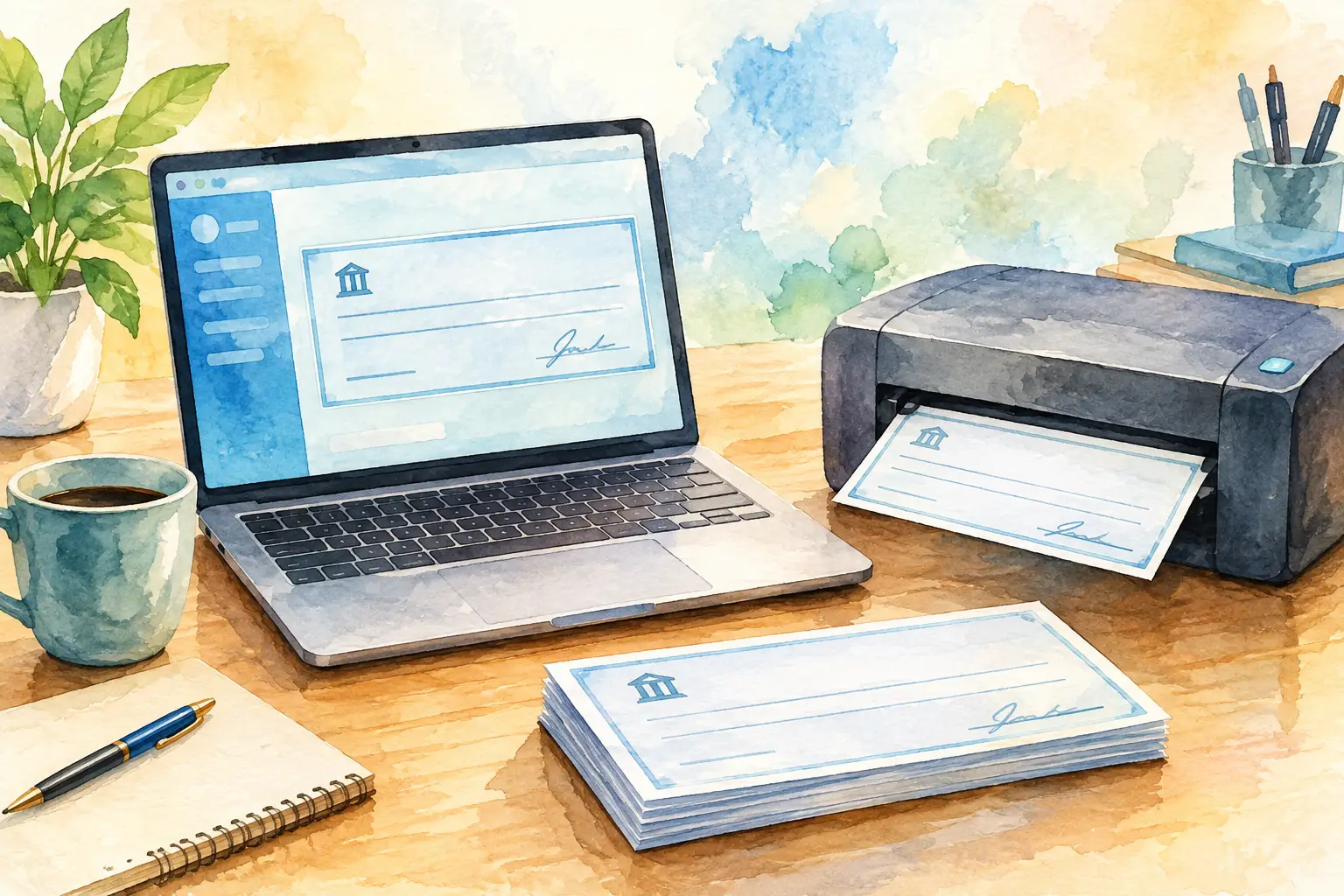
A free cheque printing software download can look like a quick fix when the cheque register is growing, post-dated payments are piling up, and someone is still writing amounts by hand. But a cheque is not just a printed document. It is a numbered payment instrument with a bank-specific format, an approval history, and a status that may remain open for months.
For businesses that issue physical cheques, the better question is not simply whether software is free. It is whether it can print correctly, protect cheque-book control, and give the finance team a dependable record after the cheque leaves the printer.
What Free Cheque Printing Software Should Actually Solve
A basic tool may let you enter a payee, date, amount, and cheque number. That removes handwriting, but it does not necessarily remove the operational risks around cheque issuance. If the printer shifts the amount by a few millimeters, the cheque may be rejected. If two users select the same cheque number, the register becomes unreliable. If a post-dated cheque has no tracked status, a future cash obligation can be missed.
Useful cheque printing software should support the full path from cheque-book setup to payment follow-up. That includes recording the bank account, the next available leaf, the payee, amount, date, and reference. It should also preserve what happened later: issued, delivered, honored, dishonored, cancelled, or still post-dated.
Free software can be a sensible starting point for a small operation with low volume and one person handling every cheque. It becomes less suitable when several companies, bank accounts, cheque books, or authorized users are involved. At that stage, finance needs controlled access and a single record of truth, not another file that depends on one computer.
Start With the Physical Cheque, Not the Screen
Cheque printing succeeds or fails at the printer. A clean data-entry form is useful, but physical alignment is what determines whether the printed cheque can be used.
Before committing to any system, test it with the actual blank cheque stock used by your bank. Print a sample with a real payee name, a short amount, a long amount, and a date. Check the payee line, numeric amount box, words line, date, and signature area. Then repeat the test on the printer your team will use for live cheques.
The right tool should account for differences in bank layouts and printer behavior. Laser, inkjet, dot-matrix, and dedicated cheque printers can place text differently. Some software offers only a fixed template. Others provide field-level positioning, allowing the operator to adjust the layout with precision and save the result for that bank account and printer.
This matters particularly for businesses using multiple bank formats. A template that works for one cheque book may not work for another, even when both are issued by the same bank. Ready-made regional bank layouts reduce setup time, while a layout designer is valuable for less common formats or customized cheque stock.
Do not accept a system that requires a user to manually move fields before every print. The approved layout should be saved, tested, and available only to the people who are permitted to print. Consistency is a financial control, not a convenience.
Test English and Arabic Amounts Carefully
For many UAE and GCC payment workflows, the amount in words must be produced in English and Arabic. This is one of the easiest areas to underestimate. A tool may print English wording correctly but generate Arabic text that is incomplete, badly formatted, or unsuitable for the cheque layout.
Test values that reveal common issues: whole numbers, fils, large values, repeated digits, and amounts with zero decimals. Check that the wording follows your bank's expected presentation and fits the available line without covering fixed cheque text. Also confirm that the Arabic text prints in the correct direction and remains legible on the selected printer.
Manual translation or copy-and-paste introduces unnecessary risk. The words amount should be generated from the numeric amount and retained as part of the cheque record.
Free Does Not Always Mean Operationally Free
There is a real difference between free software, a free trial, and a low-cost tool with missing operational controls. A permanently free application may be enough to print occasional cheques, but it may limit companies, users, reports, templates, or historical records. A free trial can be more useful when it provides the complete workflow long enough for the finance team to test it under real conditions.
Look beyond the initial price and consider the hidden cost of workarounds. A spreadsheet may hold cheque numbers, while a desktop tool prints the cheque and an email thread records approvals. Each individual method may be inexpensive. Together, they create duplicate data, unclear ownership, and a difficult audit trail.
A browser-based system can reduce that fragmentation by keeping companies, bank accounts, cheque books, printing activity, and payment statuses in one controlled workspace. It also removes the dependency on a single desktop, provided the platform still uses a secure and reliable method to communicate with the approved printer.
For example, a Windows Print Helper can allow browser-based cheque creation while sending the output to a local office printer with the precise layout already configured. That approach keeps the finance record centralized without forcing staff to change printers or move sensitive cheque data through ad hoc files.
Controls Matter More as Volume Grows
A cheque-printing tool should reflect how authority works inside the business. The person preparing a cheque may not be the person approving it. The person who can print should not necessarily be able to change bank-account settings or delete historical entries.
Role-based permissions help separate these responsibilities. Audit trails add another layer by showing who created, edited, printed, cancelled, or updated a cheque. These details are especially useful when investigating a number gap, a duplicated payment reference, or a dispute over whether a cheque was released.
Cheque-leaf tracking is equally important. The system should know which leaf was used, voided, skipped, or still available. A missing number is not always a problem, but it should always be explainable. Good records make reconciliation faster and reduce the temptation to maintain a separate handwritten log.
For group businesses, multi-company control is not simply a matter of convenience. It prevents bank accounts and cheque books from being mixed across legal entities. A platform such as CheqOne is designed around this reality, giving finance teams one calm place for each company while preserving company-level permissions and records.
Treat Post-Dated Cheques as Future Commitments
Post-dated cheques need more than a print date. They represent a future payment exposure and should remain visible until their outcome is known.
A useful register lets finance staff filter upcoming PDCs by date, company, bank account, payee, or status. This supports cash planning and helps teams spot cheques that need to be funded, followed up, replaced, or cancelled. Batch creation is also valuable when preparing installment schedules, rent payments, or recurring supplier commitments.
Status management should be deliberate. Issued does not mean delivered. Delivered does not mean honored. A cheque may later be dishonored, replaced, cancelled, or returned. When those changes are recorded in the same system that created the cheque, reports remain meaningful and the payment history remains intact.
Questions to Ask Before You Use a Free Tool
Ask whether the software supports your exact cheque format and printer, not just cheque printing in general. Confirm whether it creates amount-in-words text correctly in the languages your bank requires. Check how it prevents duplicated cheque numbers and whether cancelled or spoiled leaves remain in the register.
Also ask where the data is stored, who can access it, and whether activity is logged. Finance teams should be able to export reports when needed, but exports should not become the only reliable source of history. Finally, find out how easy it is to import existing cheque-book data and historical records. Re-entering years of information is rarely a practical migration plan.
A Better First Test
Use a trial period to run one real workflow from beginning to end. Configure a company, bank account, cheque book, and approved printer. Create a small set of cheques, including one post-dated cheque. Print test copies, verify alignment, assign statuses, and review the register as if you were reconciling at month-end.
That test will tell you more than a feature list. The right system should make each cheque easier to prepare while making every number, status, and printed document easier to account for. When the next cheque book arrives, setup should feel controlled rather than improvised.