CheqOne updates
Online Check Printing Software for GCC Finance
Online check printing software gives GCC finance teams accurate bilingual printing, controlled cheque registers, PDC visibility, and traceable approvals.
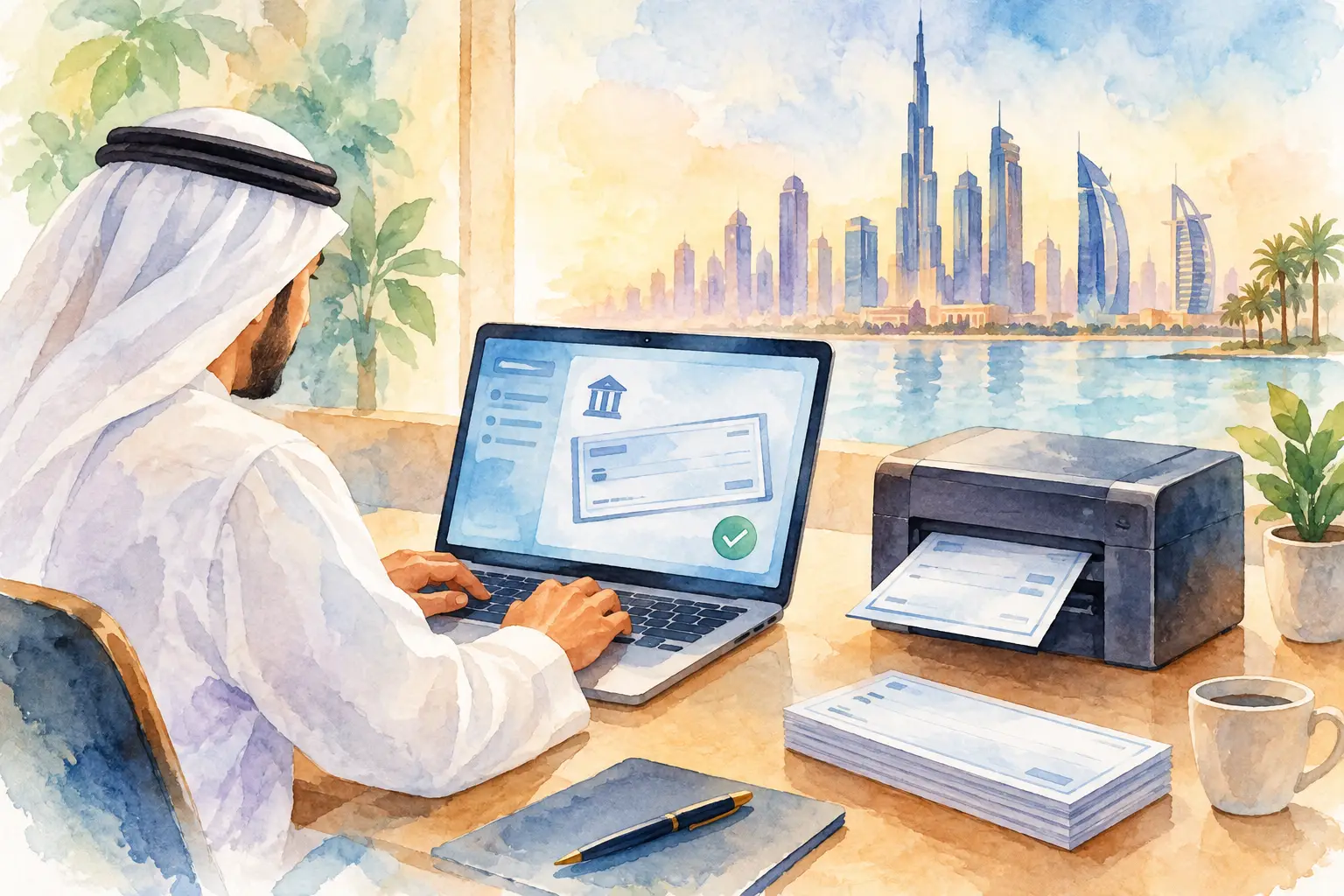
A cheque that is correctly approved but printed on the wrong leaf can create hours of follow-up. A post-dated cheque that is not visible until its due date can create a cash-planning problem. Online check printing software addresses both issues by treating cheque creation, printing, custody, and status tracking as one connected finance process.
For businesses that issue UAE and GCC bank cheques for rent, suppliers, installments, or operating payments, the value is not simply faster printing. It is knowing which cheque book is in use, who prepared each cheque, whether it was delivered, and what remains outstanding. The strongest systems give finance teams one calm place for every company, account, and cheque lifecycle.
Why a cheque still needs a control system
Physical cheques combine a digital payment decision with a physical financial instrument. The payment may begin with an invoice and an approval, but the cheque leaf itself must be numbered, protected, printed accurately, signed, delivered, and later reconciled. Spreadsheets can record some of this information, but they cannot reliably prevent two users from selecting the same cheque number or show a complete history of changes without careful discipline.
Handwriting is not a safer alternative. It introduces legibility issues, inconsistent amount wording, and avoidable transcription errors. It also makes bilingual documentation harder when the bank or recipient requires Arabic amount wording alongside English. A legacy desktop application may print a cheque, yet still leave records fragmented across individual computers and company files.
The practical question is not whether a business can produce a cheque with its current process. Most can. The question is whether the process remains controlled when several people, bank accounts, cheque books, and legal entities are involved.
What online check printing software should manage
A useful platform does more than place text on a cheque image. It should preserve the relationship between the payment record and the physical leaf used to make that payment. That begins with company and bank-account setup, then continues through cheque-book allocation, printing, delivery, clearing, cancellation, and reporting.
Accurate bank layouts and printer alignment
Cheque formats vary by bank, and minor alignment errors matter. A payee name that drifts into a preprinted area or an amount printed outside its field can make a valid payment look unreliable. Good software provides ready-made layouts for common regional bank formats and a layout designer for banks or cheque designs outside the standard library.
Printer setup deserves equal attention. Finance teams may use laser, inkjet, dot-matrix, or dedicated cheque printers. Rather than relying on browser print settings alone, a controlled print helper installed on approved Windows PCs can apply precise positioning adjustments. Fine controls, including 0.1 mm alignment where needed, allow the team to test against the actual cheque stock and retain settings once approved.
This is a trade-off worth understanding. Browser-based access makes administration easier across locations, while physical printing still depends on the printer, drivers, paper feed, and authorized workstation. A well-designed system recognizes that reality instead of pretending every printer behaves identically.
English and Arabic amount wording
Amounts in words are a small field with large consequences. Manual wording slows down preparation and creates opportunities for spelling mistakes, formatting inconsistencies, and discrepancies between numeric and written values. For GCC cheque operations, the software should automatically generate accurate amount wording in both English and Arabic.
This capability needs to be built for regional financial use, not added as a generic translation feature. Currency units, decimal values, and Arabic grammar must be handled consistently so that the printed cheque matches the approved payment record. The goal is not decorative bilingual output. It is a document that can be reviewed and issued with confidence.
Cheque-leaf custody and status history
Cheque-book control is where many otherwise capable workflows fail. A finance team needs to know the starting and ending leaf numbers for each book, which leaves have been used, and why a leaf was voided or canceled. That record should remain available even after the cheque has been replaced.
Status management turns a printed cheque into an operational record. Useful statuses include issued, delivered, honored, dishonored, canceled, and post-dated. Each status answers a different question: Has the cheque left the office? Has the bank processed it? Did it fail? Is it intentionally void? Is it a future obligation that must appear in cash planning?
Without these distinctions, a register can show that a cheque exists but not whether it remains a real liability. That is not enough for accounts payable, treasury, or management review.
A workflow finance teams can actually maintain
The best process is simple enough to follow under normal time pressure. A user selects the company, bank account, and available cheque book; enters or imports the payee, date, and amount; reviews the bilingual output; then prints from an approved workstation. The system records the leaf number and keeps the cheque in the register from that moment forward.
After printing, the operational work continues. The cheque may be awaiting signature, handed to a supplier, held as a post-dated instrument, or returned because of a problem. Updating its status should take seconds, not require opening another spreadsheet or sending an email to someone who owns the file.
For recurring commitments, batch creation of post-dated cheques is particularly useful. A property-rent schedule or installment plan may require a series of future-dated payments. Creating those records together gives the finance team a visible schedule of obligations while retaining individual cheque numbers and payment details. It also makes later changes easier to trace when one installment is canceled or reissued.
The controls that matter when access is shared
Centralization is valuable only when access is controlled. A group finance team may need one user to prepare cheques, another to approve or print them, and a senior administrator to manage bank accounts, users, and layouts. Role-based permissions make those boundaries clear without forcing every task through a single person.
Audit trails provide the second layer of control. A complete history should show who created, edited, printed, canceled, or changed the status of a cheque and when the action occurred. This is useful during routine reconciliation, but it becomes essential when a leaf number is missing, a supplier disputes receipt, or management asks why a payment was reissued.
Multi-company access also needs careful design. Separate legal entities should retain separate records, accounts, and cheque books, while authorized group administrators can work from one workspace. This reduces duplicate setup and disconnected reporting without weakening company-level separation.
Choosing software without buying more than you need
Not every business needs a complex payment platform. If a company issues only a few cheques each month from one account, a focused cloud tool with reliable printing and a clear register may be the better choice. If multiple entities issue high volumes of post-dated cheques, permissions, batch creation, status reporting, and import support become much more important.
During evaluation, test the actual conditions of your operation. Load a real bank layout, print onto a blank sample or controlled test leaf, and check every field against the cheque stock. Confirm that Arabic and English amount wording is correct for your currency. Ask how canceled leaves are recorded, how historical registers can be imported, and whether reporting distinguishes issued cheques from honored and post-dated items.
Also confirm who can print. A system that permits unrestricted printing from any device may be convenient, but it can weaken custody over physical cheque stock. Approved printer PCs and role-based access add a sensible checkpoint without making the workflow difficult.
CheqOne is designed around this regional workflow: browser-based cheque preparation, controlled Windows printing, bank-specific layouts, bilingual wording, and a register that follows each cheque after it leaves the printer.
Make the register useful after print day
A cheque register should support decisions, not merely satisfy recordkeeping. Finance managers need to identify upcoming post-dated commitments, cheques that have been issued but not yet delivered, dishonored payments requiring follow-up, and canceled leaves that need explanation. Exportable reports make this information usable in reconciliation and cash forecasting without recreating the register manually.
Adoption is usually easier when the team brings existing data forward. Importing historical cheque records, open PDCs, bank accounts, and cheque-book ranges protects continuity. The transition should not force finance staff to choose between clean new processes and access to prior records.
The right online check printing software gives each physical cheque a clear digital history. When a payment is prepared, printed, handed over, cleared, or canceled, the record should move with it. That is how a routine cheque process becomes dependable financial control.