CheqOne updates
Remote Cheque Printing Cloud Software That Controls Risk
Remote cheque printing cloud software gives finance teams precise printing, status tracking, and a central audit-ready cheque record for each payment.
A cheque can be prepared by one person, printed by another, delivered days later, and presented to the bank months after that. When those steps live in separate spreadsheets, email threads, and desk-bound software, the payment record becomes difficult to trust. Remote cheque printing cloud software gives finance teams one controlled record from preparation through final status, without making physical cheque operations harder.
For businesses that issue UAE and GCC bank cheques, the objective is not simply to print faster. It is to know which cheque leaf was used, who approved the payment details, whether the document printed correctly, and what happened after it left the office. That is a financial-control process, not a typing task.
Why remote cheque printing cloud software changes the control model
Traditional cheque-writing software is often tied to one computer. The cheque register may be maintained somewhere else, while post-dated cheque commitments are tracked in a separate worksheet. That arrangement can work for a small volume of payments, but it creates avoidable exposure as more users, bank accounts, entities, and cheque books are added.
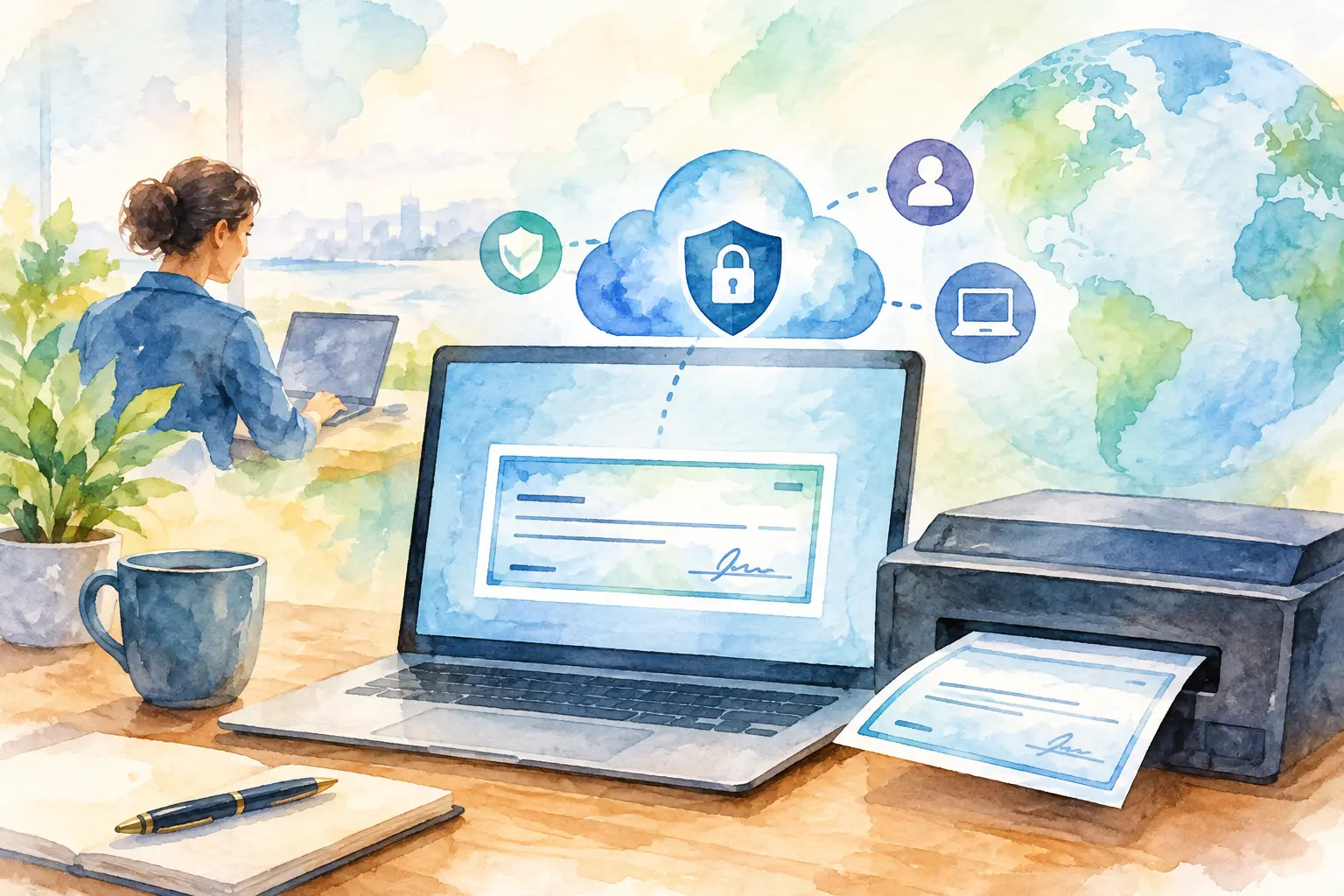
A cloud workspace changes where the record lives. Finance users can prepare cheques in the browser from approved company and bank-account data, while printing remains deliberately connected to an authorized office printer. This separation matters. The data can be centrally managed, but the physical payment instrument should still be controlled at the point of print.
The result is not unrestricted printing from any device. It is clearer access: authorized users can create, review, and monitor cheque records remotely, while approved printer PCs handle the final output. A finance manager can see activity across companies without asking each office for a revised register. An accountant can continue a payment workflow without relying on the computer where an old desktop application was installed.
Start with a complete cheque record
Every accurate print begins before the printer is involved. A useful system should require the details that turn a blank cheque leaf into a traceable payment instrument: company, bank account, cheque number, payee, date, amount, and purpose or reference. It should also protect the relationship between the cheque number and the physical leaf in the book.
This is especially valuable when multiple people handle payments. If a user can enter any cheque number without visibility into what has already been used, duplicated or skipped numbers become more likely. When cheque books are registered and leaves are tracked, the team has a practical answer to a basic but important question: where is this cheque leaf now?
For regional operations, amount-in-words conversion deserves the same care. A decimal amount must be expressed accurately in English and Arabic, with wording that fits the cheque format and financial conventions. Re-typing this information introduces avoidable errors, particularly when the amount changes after a draft is prepared. Automatic bilingual amount wording reduces that manual step while keeping the numeric amount and written amount aligned.
Roles should reflect real payment responsibilities
Remote access does not mean every user should have the same authority. The person creating a supplier payment may not be the person who can change bank details, print a cheque, or cancel an issued instrument. Role-based permissions allow the workflow to reflect those boundaries.
Audit trails add another layer of clarity. They should show who created, changed, printed, or updated a cheque record, and when the activity occurred. This is helpful during routine month-end review, but it becomes essential when a payment is questioned months later. A reliable record replaces guesswork and reduces the need to reconstruct events from messages and paper files.
Printing accurately without changing the bank cheque
Cheque printing has a physical constraint that cloud software alone cannot solve: each bank format places its fields differently. A small shift can put a date, amount, or payee line in the wrong position. The software must therefore combine the correct cheque layout with practical alignment controls and a dependable local print connection.
Ready-made layouts for frequently used regional bank formats reduce setup time. For other cheque designs, a layout designer lets the business position fields for its specific form. This is preferable to forcing staff to alter a bank-issued cheque or manually write missing fields after printing.
A Windows Print Helper provides the bridge between the cloud workspace and the printer attached to an approved PC. The finance user prepares the record in the browser, then sends the print job through that controlled connection. Fine alignment adjustments, down to 0.1 mm where required, allow the team to calibrate the output before processing live payments.
Printer compatibility also deserves a realistic view. A business may use laser printers in its main office, a dot-matrix printer for continuous forms, or a dedicated cheque printer in a high-volume payment area. The right software should support the printer already suited to the operation, provided it can be configured and tested against the cheque layout. A test print is not an inconvenience. It is the sensible control before using numbered cheque leaves.
Printing is only one stage of the cheque lifecycle
A printed cheque is not necessarily a completed payment. It may be held for signature, delivered to a supplier, dated for a future month, honored by the bank, returned, dishonored, or cancelled. If the register ends at Print, finance loses visibility precisely when follow-up becomes important.
A structured status flow keeps the record useful after the paper leaves the printer. Status labels such as issued, delivered, honored, dishonored, cancelled, and post-dated make outstanding obligations visible without rebuilding the picture in spreadsheets. For post-dated cheques, this is particularly useful: future commitments can be reviewed by due date, company, bank account, or payee before they become a cash-flow surprise.
The trade-off is that statuses must be updated consistently. Software can make that work simple, but it cannot determine whether a supplier received a cheque or whether the bank honored it unless the responsible team records the outcome. Assigning ownership for status updates is therefore part of the control design.
Central records matter most for multi-company teams
A single-company office may mainly need accurate printing. A group with several legal entities needs a cleaner operating model. Each company should retain separate bank accounts, cheque books, users, and records, while authorized group administrators can see the wider picture in one calm place.
This avoids a common problem with shared folders and spreadsheets: the file may show a cheque number, but not which entity issued it, whether it has been cancelled, or who changed its details. Centralized reporting makes it easier to review issued cheques, upcoming post-dated items, unused leaves, and exceptions without combining data manually.
Historical data should not be ignored during a move from a desktop tool or spreadsheet. Import support can preserve existing cheque registers, so teams do not have to choose between a clean new process and access to prior records. The useful approach is to validate imported data, define the opening cheque-leaf position for each book, and establish clear rules for new entries from the first day of use.
What to assess before choosing a platform
The best remote cheque printing cloud software depends on the payment workflow, not just the appearance of the printout. A business issuing occasional supplier cheques may prioritize simple setup and common bank layouts. A business managing many post-dated rent, trade, or installment payments will place more value on lifecycle status, due-date reporting, and batch creation.
Ask practical questions. Can the platform produce Arabic and English amount wording correctly? Does it support the bank formats and printers already in use? Can it track cheque leaves and prevent numbering conflicts? Are permissions and audit history available for the people responsible for review? Can records be separated by company while still being visible to authorized group users?
CheqOne is built around these operating needs, combining browser-based cheque creation with controlled local printing, regional bank layouts, cheque-book controls, and payment-status tracking. The purpose is straightforward: every cheque should remain clear, correctly printed, and easy to account for long after the paper is handed over.
A well-run cheque process should feel uneventful. The right record is available, the fields land where they should, the authorized person can see the status, and the next review does not begin with a search through old spreadsheets. That quiet certainty is worth designing for.